
Link an identity
Members normally begin through/verify, /link, or a server’s verification button. Cnect preserves the short-lived request through Discord sign-in and Roblox linking, then asks the member to confirm the exact accounts.
The resulting link can support:
- Mapped Discord role reconciliation.
- Staff-reviewed rank requests.
- Member Dash eligibility.
- Cross-community Cnect policy when separately configured.
Conflicts
Rodyne stops rather than guessing when:- Bloxlink and RoWifi return different Roblox IDs.
- A discovered Roblox account is already attached to another person’s Cnect ownership.
- OAuth ownership changed.
- An active identity conflict is under review.
Unlink and recovery
/unlink removes the member’s Roblox OAuth connection and Cnect community links. It does not remove the Discord sign-in or automatically erase community records.
After unlinking:
- Cached and third-party discovery cannot silently restore the link.
- Old verification requests cannot restore it.
- The member can complete a fresh, explicit confirmation later.
- Account transfer to a different OAuth user does not transfer the previous person’s historical releases.
Privacy
Cnect’s privacy page explains provider data, community and network sharing, required cookies, retention, unlinking, and request routes. Identity requests can be sent to hello@rodyne.xyz. Requests about a community’s records should also go to that community’s administrators.Guided walkthrough
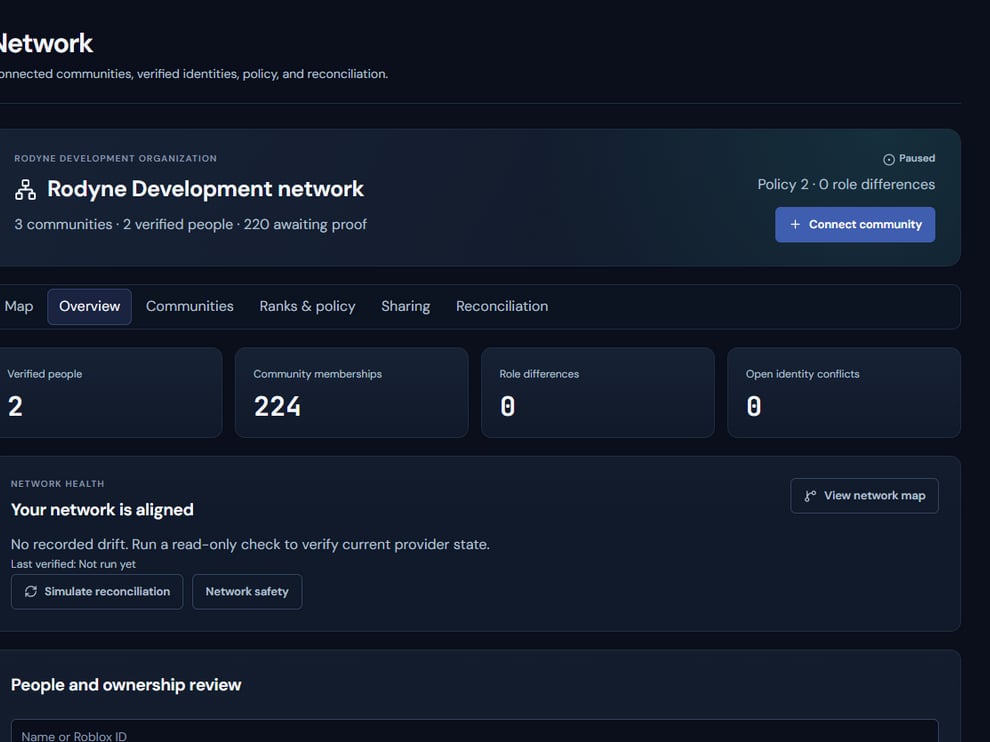
Cnect treats identity ownership as a first-party, reviewable relationship.
Operating procedure
1
Start an explicit request
Use the member’s verification entry point rather than importing ownership.
2
Authenticate both accounts
Complete Discord and Roblox provider proof in the same short-lived flow.
3
Review the pair
Confirm the exact account names and numeric IDs before linking.
4
Resolve conflicts
Stop when an identity is already owned or third-party providers disagree.
5
Reconcile downstream policy
Only after ownership is confirmed should role or network evaluation proceed.