
What can be imported
An import row identifies the Roblox group, Roblox rank, Discord role, label, order, protection, and approval behavior. JSON and CSV are supported by the dashboard importer. The import can target:- The primary Roblox group for verification and rank requests.
- A secondary group for Discord role synchronization only.
- A managed Cnect resource or an explicitly entered external group.
Safe import flow
1
Upload or paste the source
Use a file exported from the source system. Keep the original file until the Rodyne review and canary verification are complete.
2
Resolve group identity
Match each group to the correct managed Cnect resource or external numeric Group ID. Groups and experiences use separate namespaces.
3
Confirm rank identity
Map each row to the actual Roblox Rank ID returned by the provider. Do not convert an order number or display label into a guessed Rank ID.
4
Review conflicts
Resolve duplicate group/rank pairs, duplicate order positions, missing Discord roles, protected targets, and records that changed after preview.
5
Commit the reviewed import
The importer revalidates the preview and writes the accepted mappings together. Reuse the same retry action after a network error so idempotency can protect the import.
After import
- Refresh the Discord role catalog.
- Search the ladder for every imported group and rank.
- Confirm unique order values in the primary ladder.
- Mark sensitive ranks protected.
- Preview
/promoteand/demoteadjacency. - Verify one controlled member in each group.
- Submit one low-risk rank request in the primary group.
Guided walkthrough
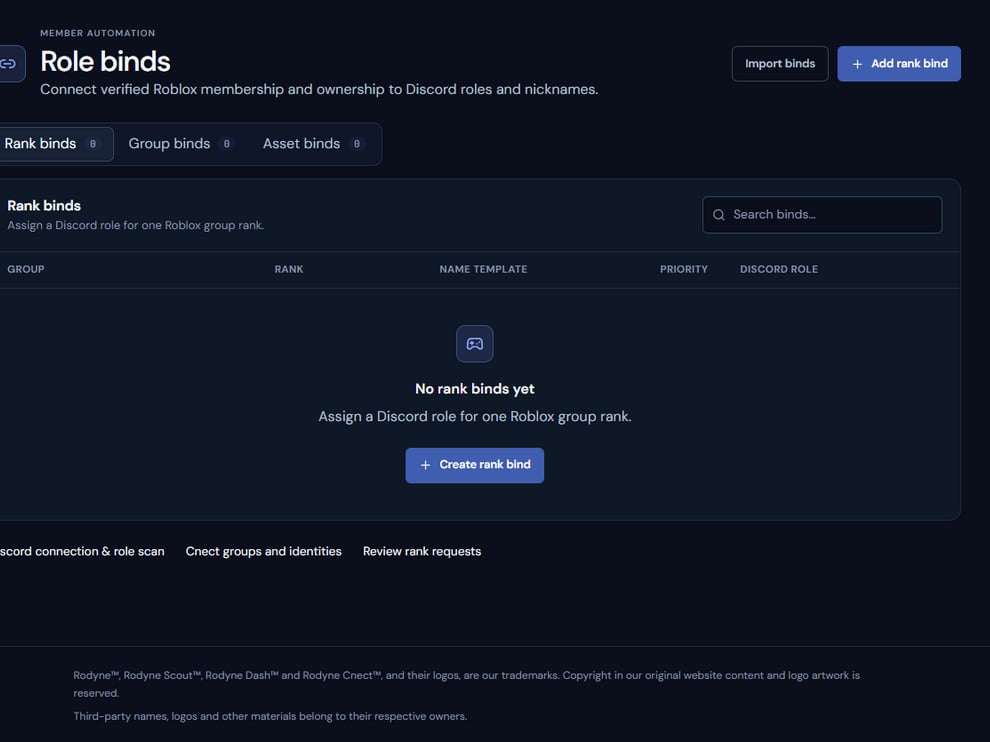
Imported binds become reviewable mapping records; they do not immediately change members.
Operating procedure
1
Preserve the source
Keep the original export and record its system and export time.
2
Normalize identifiers
Resolve numeric group, rank, and Discord role IDs without guessing from labels.
3
Preview conflicts
Review duplicates, missing roles, protected targets, and unsupported rows.
4
Commit once
Submit the reviewed set with the same retry identity if the client disconnects.
5
Validate canaries
Test one controlled member for each group represented by the import.