
Create an event
Define:- Title and description.
- Start and end time with the intended timezone.
- Optional Roblox experience.
- Minimum attendance guideline.
Host on mobile or desktop
The event host view keeps roster actions, attendance, and results available on small screens. Staff can add manual attendance when policy allows. Studio connector attendance is server-observed and appears separately.Attendance is not a result
Attendance records presence. It does not prove pass, completion, promotion eligibility, or staff performance.- Overlapping Studio intervals are merged.
- The minimum duration is a guideline.
- Staff explicitly confirm pass/fail or another result.
- A result can support a separate rank request; it does not bypass rank approvals.
Follow-up rank requests
After a confirmed result, an authorized host can start a rank request with the event link attached. The request still checks the member’s current rank, target protection, approver separation, and provider outcome.Discord commands
/event list, /event create, /event view, and /event attendance use the same event records as the dashboard. Permissions and current workspace scope apply to both surfaces.
Guided walkthrough
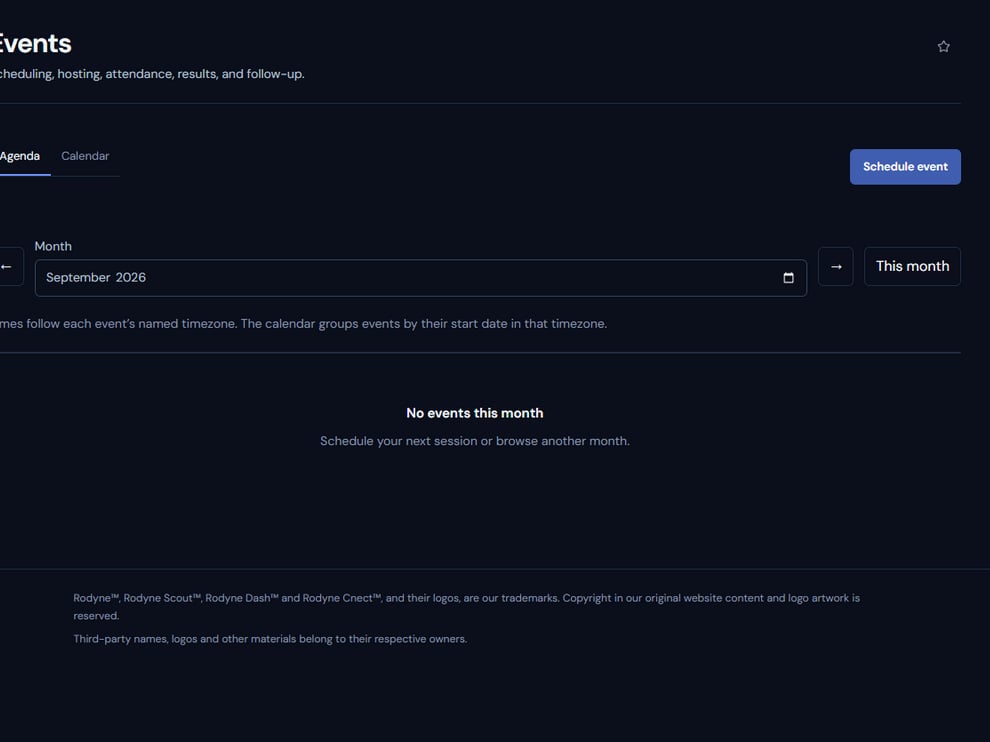
Events separates scheduling, observed attendance, confirmed results, and follow-up work.
Operating procedure
1
Create the schedule
Set title, time, timezone, host, and optional experience.
2
Brief the host
Confirm roster responsibilities and how manual and Studio attendance will be reconciled.
3
Track presence
Record attendance without treating duration as a pass or performance result.
4
Confirm results
Have authorized staff explicitly record pass, fail, or other outcomes.
5
Create follow-up work
Start any rank request from the event context and follow its normal approval policy.