
Create a request
From Community Management → Members or Rank requests:- Select the exact member.
- Confirm the expected current mapped role.
- Choose the target mapping.
- Enter a clear reason.
- Optionally link the request to an event or case.
- Submit once and keep the record open while Rodyne confirms its state.
/rank set, /promote, and /demote create the same audited type of work from Discord.
Approval rules
- The target rank controls the required approval count.
- The requester cannot approve their own request.
- Approvers must still have access when the queued work executes.
- Protected targets cannot be requested.
- A stale expected role stops the request rather than overwriting a newer change.
State flow
Batch requests
The member table can submit up to 100 selected rows with one reason. The API validates the entire batch together for tenant scope, current roles, protected targets, permissions, and duplicate retry keys. Approval counts remain per member and target rank.Partial and uncertain outcomes
If Roblox confirms but Discord synchronization fails, the record may be partially completed. Do not repeat the Roblox change manually. Repair the unconfirmed Discord step after checking live state. If a network request times out after a provider may have applied it, Rodyne can mark the outcome uncertain. Read the provider state before any retry.Understand every job state
Use the outcome reference before retrying or repairing provider work.
Guided walkthrough
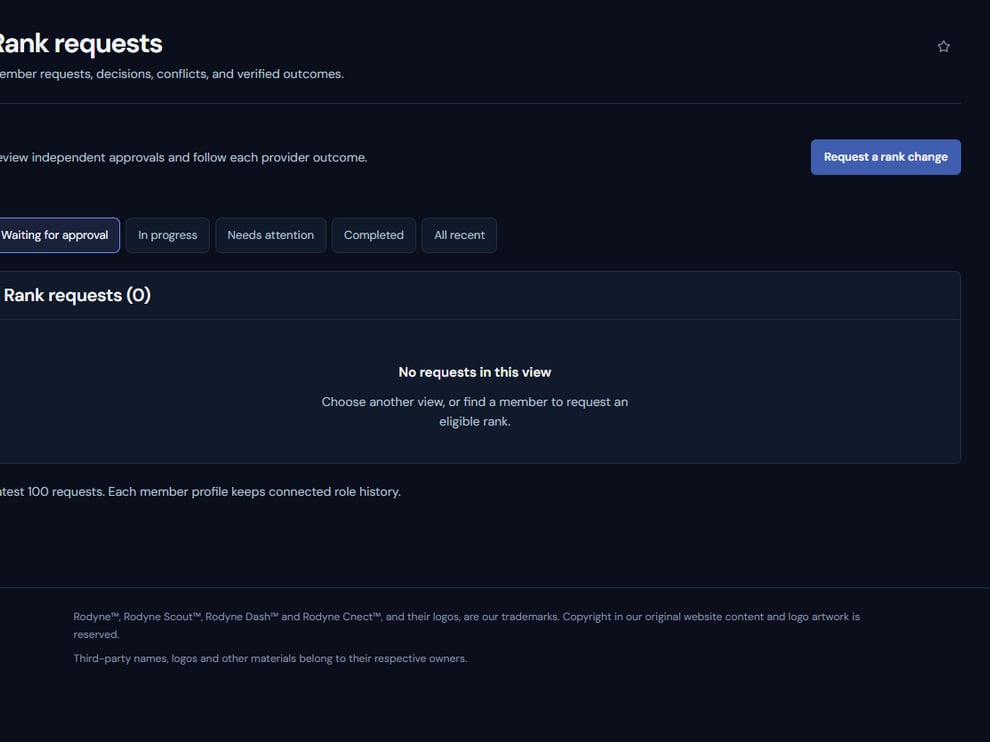
Rank requests expose policy, approvals, and provider execution as one reviewable chain.
Operating procedure
1
Confirm current state
Read the member’s live mapped rank immediately before creating the request.
2
Choose the exact target
Verify mapping, protection, adjacency, and required approvals.
3
Write a durable reason
Describe the operational basis and attach the relevant event or case.
4
Collect independent approval
Use distinct currently authorized approvers; the requester cannot approve.
5
Verify both providers
Confirm Roblox read-back and any required Discord role synchronization.